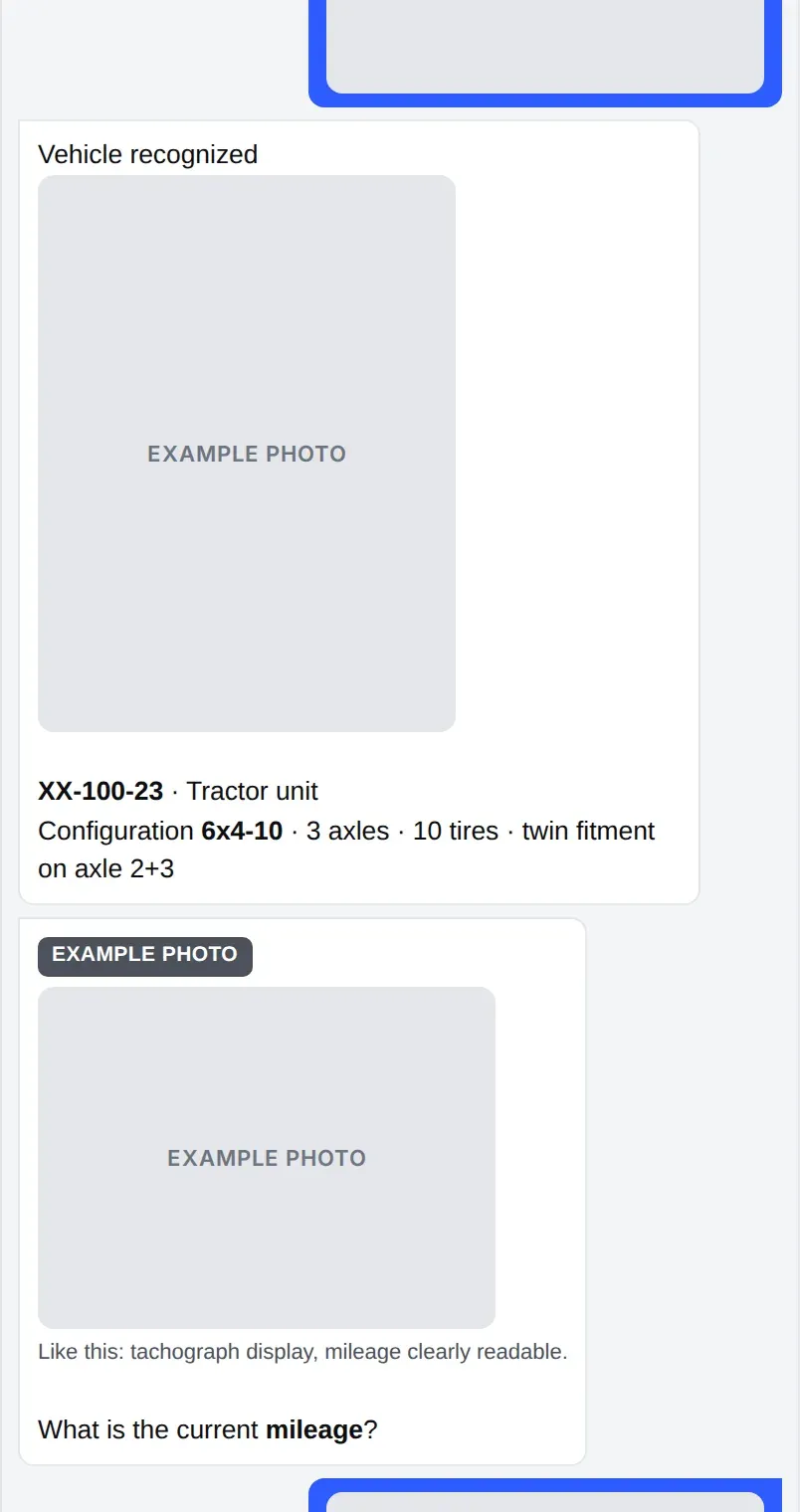
The vehicle is recognised
The driver photographs the licence plate. The system finds the vehicle and its axle layout.
 Request a demo
Inspection Tool
The driver is guided through the inspection in a chat, step by step. Photos, mileage and damage are recorded for every tire, and the result reaches the fleet cockpit.
Demo data, fictional brands. Product UI shown in English.
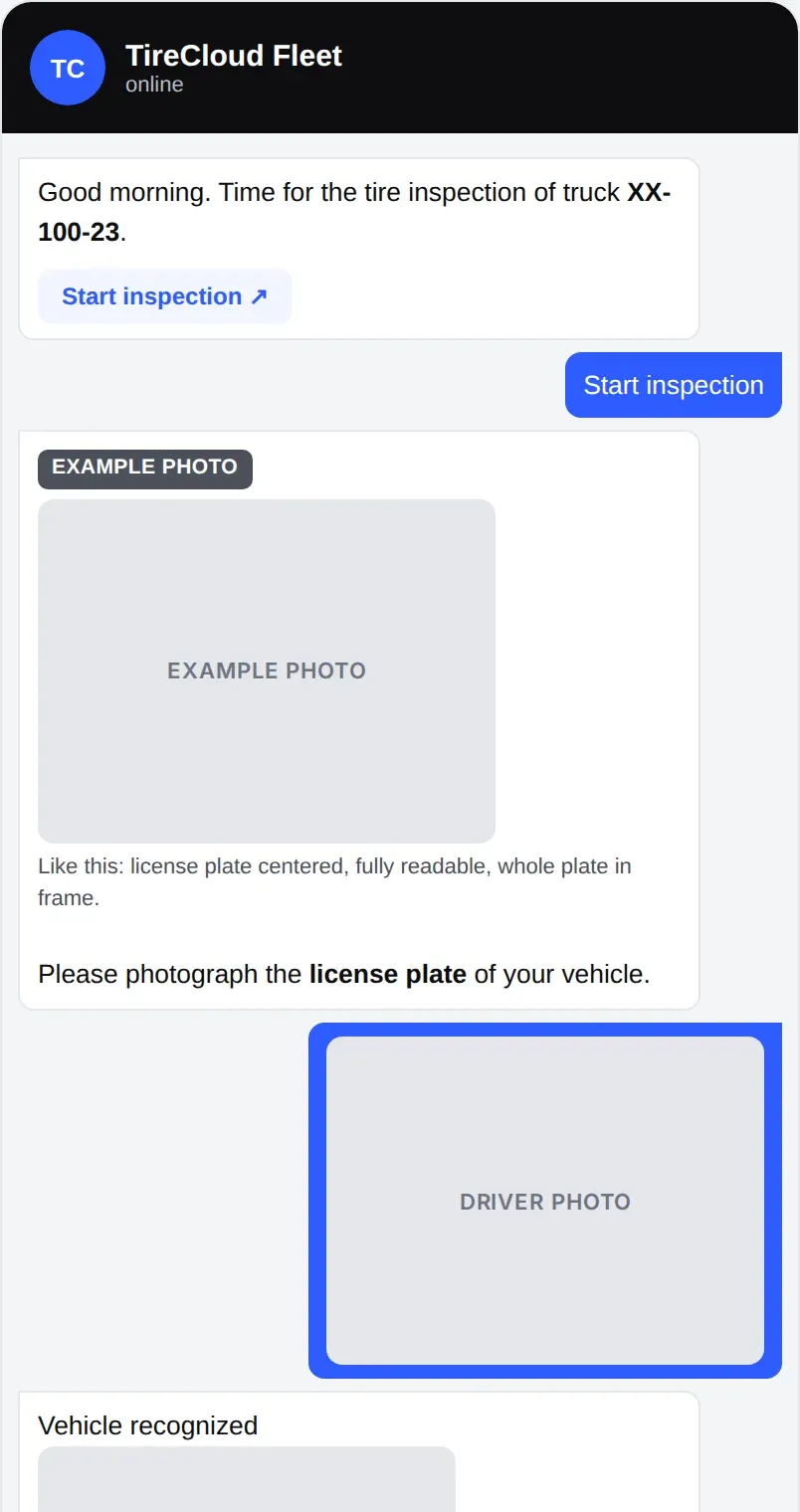
The driver photographs the licence plate. The system finds the vehicle and its axle layout.
Sidewall and tread, with an example photo for each position, including hard-to-reach inner tires.
The driver answers yes or no and picks the type: cut or crack, foreign object, deformation or uneven wear. A close-up photo follows.
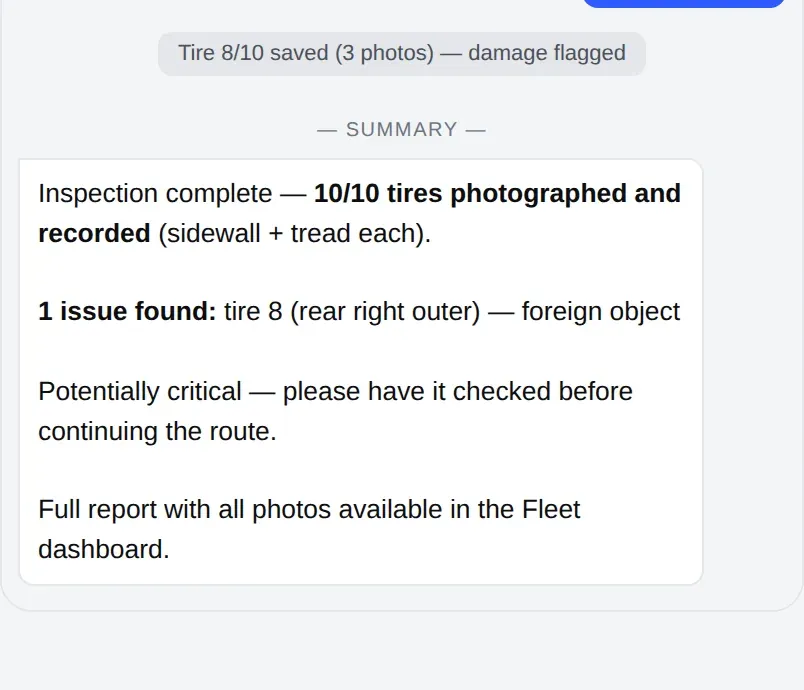
A summary ends the chat. The full report with all photos is in Fleet Management.
The driver photographs the plate and the mileage display. The vehicle is recognised.
Every axle is covered. Each tire gets a sidewall photo and a tread photo.
The chat ends with a summary and flags any damage for a check before the next route.
Step 1 Step 2 Step 3 Demo data, fictional brands. Product UI shown in English.